
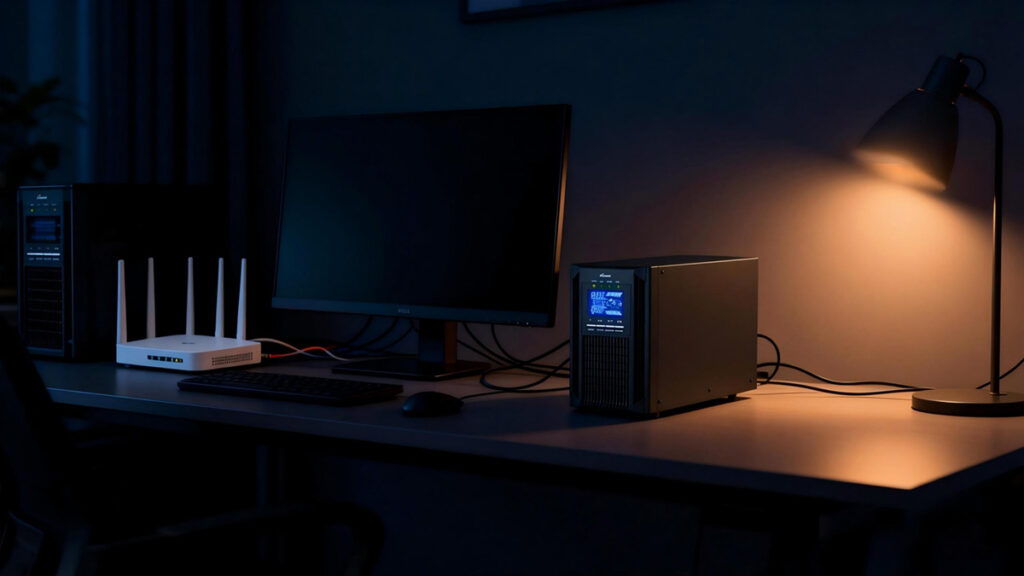
An uninterruptible power supply ups for home use is a device. It provides emergency power to your equipment. This happens when the main electricity supply fails or becomes unstable. It acts as a bridge, giving you enough time to continue working, save your data, or shut devices down safely. A home uninterruptible power supply ups is a practical solution. It is designed to protect household electronics. The UPS maintains power continuity during outages. It also prevents voltage disturbances.

Why Do You Need a UPS at Home?
Power problems aren’t just about complete blackouts. Voltage spikes, sags, and brief flickers can damage sensitive equipment or corrupt files. A good home UPS delivers several key benefits:
- Instant backup power — Most models switch to battery in 2–10 milliseconds, preventing reboots or shutdowns.
- Data and hardware protection — Avoids lost work, corrupted files on PCs/NAS, or sudden hard drive failures.
- Surge and noise protection — Filters dangerous spikes from lightning or grid issues.
- Voltage regulation (especially in line-interactive models) — Stabilizes unstable power without draining the battery.
- Continued connectivity — Keeps routers, modems, and smart home devices online during short outages.
- Peace of mind for critical devices — Supports CPAP machines, security cameras, Wi-Fi, or gaming setups.
For remote workers, gamers, or families relying on smart devices, even a 5–30 minute bridge can make a big difference.
How a UPS is Used at Home
In a home environment, a UPS is usually connected between the wall outlet and critical devices.
- Computers and NAS: Prevent sudden shutdowns that can corrupt files or damage hard drives.
- Routers and modems: Keep internet access running during short outages so you can continue working or calling over VoIP.
- Home office equipment: Support printers, external drives, and monitors long enough to finish urgent tasks.
Some modern systems, including certain portable power stations, offer UPS functions with very fast switchover times. These switchover times are less than 10 milliseconds. This feature is suitable for protecting computers and networking gear.
How to Size an Uninterruptible Power Supply UPS
To size an uninterruptible power supply UPS, you estimate your load in watts/VA. You then add a safety margin. Finally, match it to a UPS with enough capacity and runtime.
Step 1: List all devices
Write down every device you will plug into the UPS: PC, monitor, router, NAS, TV, etc. Only include equipment that must stay on during an outage (for example, you might skip printers or speakers).
Step 2: Find power for each device
For each device, find its power consumption.
Example: A PC 300 W, monitor 40 W, router 15 W → total = 300+40+15 = 355 W.
Step 3: Add a safety margin
Add 20–30% on top of your total watts to handle peaks and future devices.
This margin also helps keep the UPS running below 80–90% load, which improves stability and efficiency.
Step 4: Convert watts to VA
UPS units are usually rated in VA, not watts.
Use:
Required VA = Required W / Power Factor
Typical Prostar line interactive UPS power factor is around 0.6; Prostar online UPS are 0.8–1.0.
Example using 462 W and power factor 0.8:
462/0.8≈578 VA → you’d choose a 1000 VA UPS to have comfortable headroom.
Step 5: Check runtime needs
Decide how long you need the UPS to power your devices.
- For home offices, 5–15 minutes is usually enough to save work and shut down safely.
- Longer runtimes need larger batteries, so you may move up to a higher‑capacity model.
Prostar often publish runtime charts. It also provides online calculators where you enter your load in watts. This allows you to see the estimated runtime for each UPS model.
Step 6: Apply practical rules
When comparing models:
- Ensure UPS watt rating ≥ your required watts (with margin).
- Ensure UPS VA rating ≥ your required VA (with margin).
- Aim to keep typical load at or below about 80% of the UPS’s watt/VA rating.
- Consider future growth (extra drives, another monitor) when choosing capacity.
For many home setups (one PC, one monitor, router), this process often requires a UPS in the 600–1000 VA range. Larger workstations or multiple devices may need a UPS in the 1000–3000 VA range.
Common Mistakes When Sizing a UPS for Home
Common mistakes when sizing a UPS for home include underestimating the load. It also involves ignoring watts versus VA. Another mistake is forgetting about runtime and future expansion.
Load and rating mistakes
- Only looking at VA and ignoring watts: Some UPS units are 1000 VA but can only supply around 600 W. If your devices need more than 600 W, the UPS will overload. This is true even though the VA looks “big enough”.
- Underestimating total load: People often forget devices like routers, external drives, or sound systems. As a result, the real load is higher than calculated. The UPS runs near or above its limit.
- Running the UPS at 100% capacity: Sizing to the exact calculated load leaves no headroom for inrush currents or peaks. It also shortens runtime. Many vendors recommend staying around 80% of UPS capacity.
Runtime and battery mistakes
- Focusing only on VA/W and not runtime: Choosing “big enough” power capacity is important. However, selecting a model whose battery only provides a few minutes may be problematic. This short duration could be too little to finish work or shut down gracefully.
- Using rough or wrong runtime formulas can lead to issues. Ignoring efficiency, battery aging, or non-linear discharge gives overly optimistic expectations. As a result, the UPS dies sooner than expected under real load.
- Not accounting for battery aging: It assumes a new-battery runtime for many years. However, as batteries age, actual backup time can drop significantly.
Expansion and selection mistakes
- No allowance for future devices. The UPS is sized exactly for today’s PC and monitor. Later, adding a NAS, extra screens, or game consoles can push the UPS into overload territory.
- Choosing the wrong topology or quality: For sensitive electronics, be cautious of picking a very low‑end unit. A unit with poor power factor or weak voltage regulation can lead to nuisance trips. It may also cause unstable protection.
- Ignoring outlet types: Plugging critical gear into “surge‑only” outlets on the UPS. As a result, they turn off immediately during an outage. This happens even though the UPS still has battery power.
Installation and environment mistakes
- Poor placement and ventilation: Installing the UPS in a closed cabinet or hot area causes overheating. This leads to shortened battery life. It can also result in possible shutdowns during outages.
- Overloading through multi‑way strips can cause issues. Daisy‑chaining power strips or plugging high‑draw devices (heaters, laser printers) into battery outlets can trip the UPS. This action might also damage the UPS.
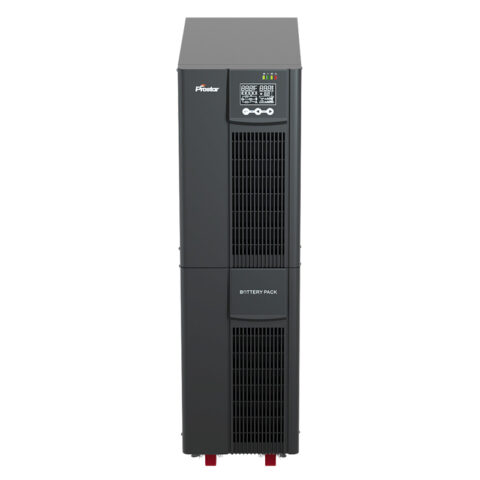
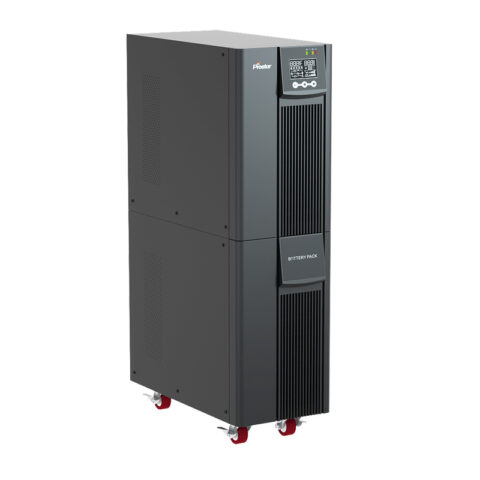
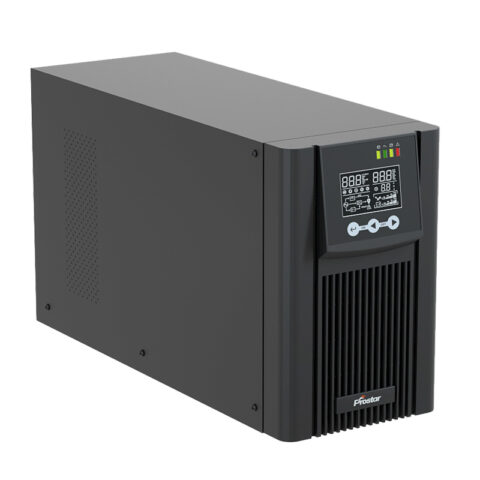
Related Best Uninterruptible Power Supply UPS

UPS vs. Inverter: Quick Comparison for Home Backup
Many people confuse UPS with home inverters. Here’s a clear distinction:
- UPS — Instant switchover (≤10 ms), built-in battery, focuses on protection and short bridge time. Ideal for computers and sensitive gear.
- Inverter — Slower switch (200–500+ ms), usually external batteries, longer runtime (hours), better for lights, fans, or non-sensitive appliances.
For protecting PCs, routers, or gaming setups → choose UPS. For whole-home lighting/fans during long outages → choose inverter (or combine both).
The Articles You may Like
- Customizable UPS Solutions for Reliable Power Protection
- Stand-alone power system – Wikipedia
- What is the CT Sensor in Solar Inverter On Off Grid
- DSP Based Industrial UPS for Mission-Critical Loads
- Safeguard Your Electronics with a UPS Backup Power Supply for Home
- How to Choose 3 Phase Online UPS for Laser Cutting Machine
- Industrial ups power supply vs normal UPS